

How Credits Work
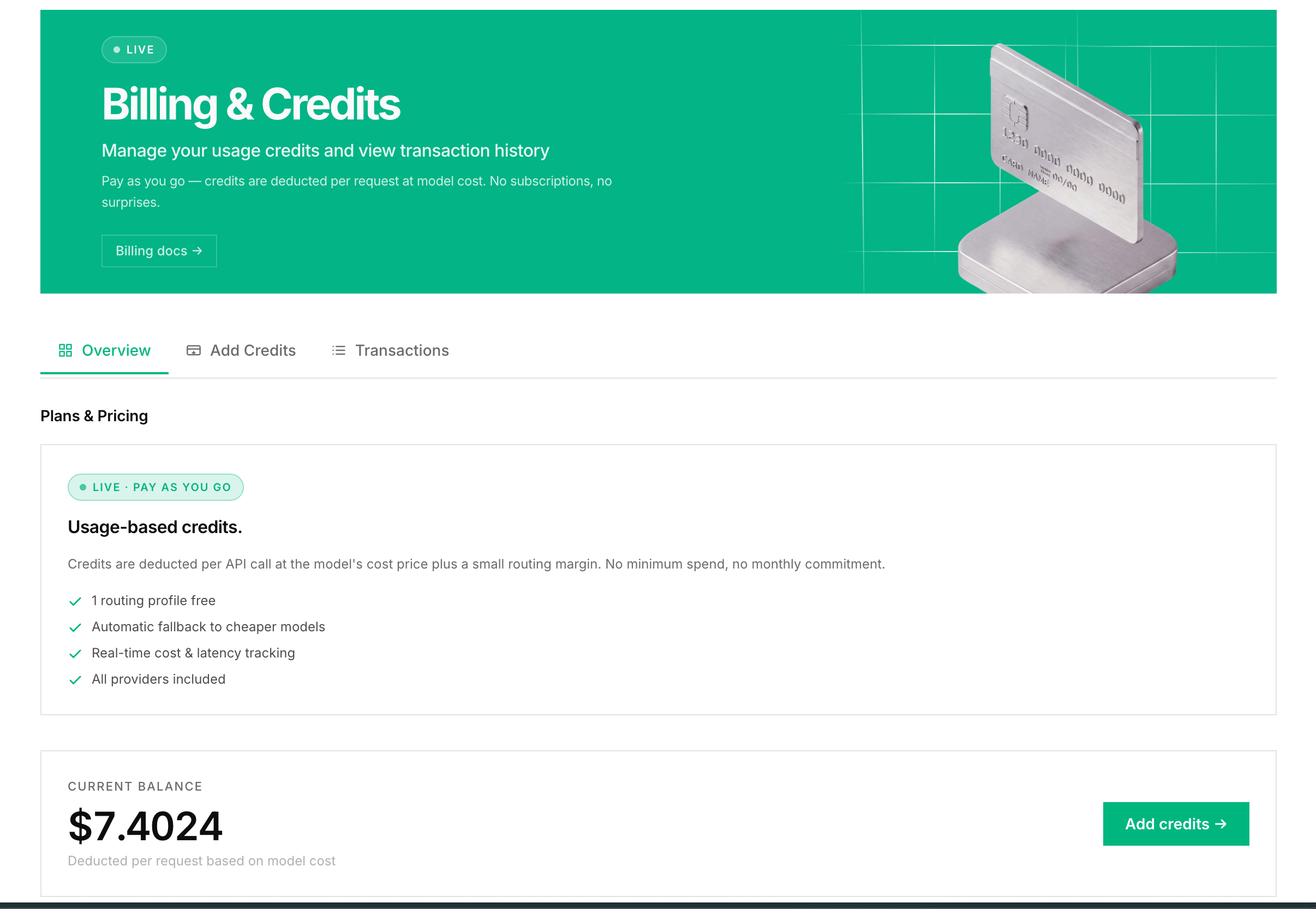
- 1 credit equals $1.00 USD
- Credits are deducted per API call based on actual token usage plus Routor’s markup
- Credits never expire
- Signup is free - top up from the Billing page to start making requests
Pricing
Routor charges the provider’s rate plus a flat 10% routing markup - the same rate whether you useauto, tier, or direct mode.
Example: If a request costs $0.01 on the provider, Routor charges $0.011.
Because Routor routes most requests to cheaper models, your total bill is typically more than 60% lower than routing everything to a premium model, even with the markup included.
Viewing Your Balance
Your credit balance appears in the top-right corner of the dashboard and on the Billing page.Adding Credits
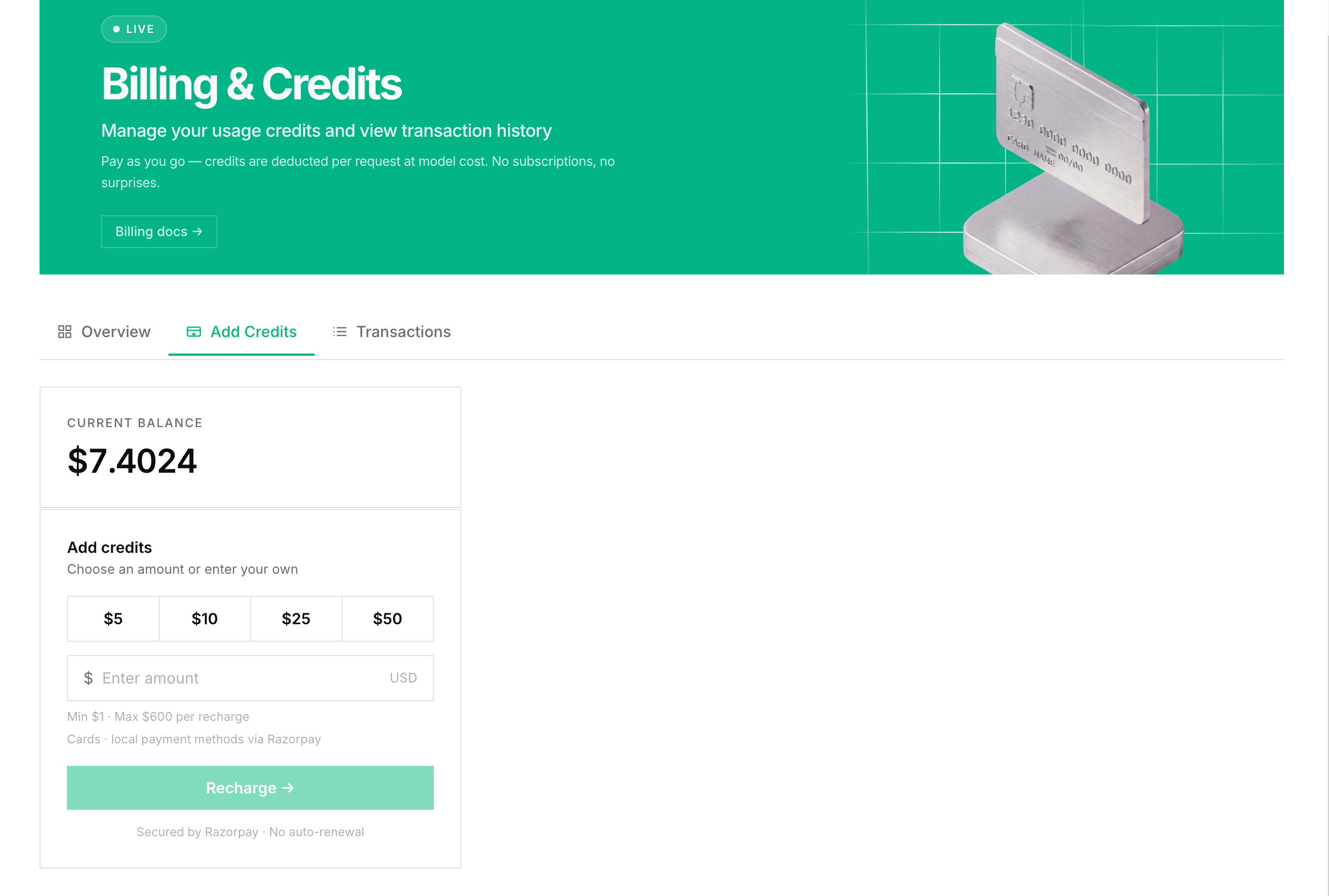
- Go to Billing in the sidebar
- Choose an amount: $5, $10, $25, or a custom value
- Click Add Credits
- Complete payment via Razorpay
- Credits appear in your account immediately
Transaction History
The billing page shows every transaction:Low Balance
When balance hits $0.00, new requests return a402 error: